Building a Cohesive Icon System
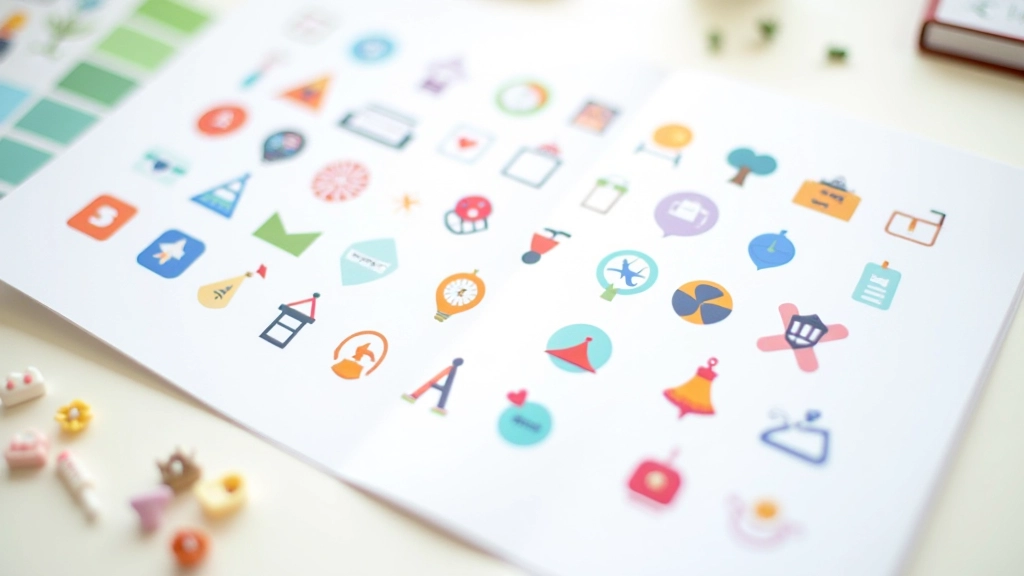
How to create icons that look intentional together. We cover grid systems, stroke weights, and the small details that make icons feel like they belong in the same family.
Read ArticleCustom design systems for digital products. We create visual languages that feel intentional, cohesive, and right for your brand.
We’ve been creating visual languages for digital products since 2016. Our work spans icon sets, illustration libraries, and complete design systems for companies across Malaysia and beyond.
Every project starts with understanding your product. We don’t create generic assets — we build cohesive visual systems that feel native to your interface and communicate your brand personality.
A structured approach that keeps your project on track
We learn about your product, audience, and existing visual language. This phase determines the foundation for everything that follows.
We create icon concepts and illustration styles, refining them through feedback cycles. You’ll see progress regularly, not just at the end.
Complete design system with usage guidelines, file organization, and everything your team needs to implement assets consistently.
Complete design solutions for digital products
Comprehensive icon libraries built on consistent grids. We handle multiple sizes, stroke weights, and style variations so your team doesn’t have to.
Develop a unique illustration style that’s yours. From flat design to detailed vector work, we create styles that scale across your product.
Thoughtful ornamental assets that enhance your interface without creating visual clutter. Every decoration serves a purpose.
Clear guidelines, usage examples, and file organization. Your team gets everything needed to maintain visual consistency over time.
Assets prepared for animation and 3D adaptation. We think beyond static images about how your visuals move and evolve.
Expand your system over time. We’re available for additions, refinements, and guidance as your product grows.
Learn how to build cohesive visual systems
How to create icons that look intentional together. We cover grid systems, stroke weights, and the small details that make icons feel like they belong in the same family.
Read Article
Balancing visual interest with usability. Learn when illustrations add value and when they become clutter in your interface design.
Read Article
Flat design, outlined, 3D isometric — we break down the most popular styles and when each one works best for your product.
Read ArticleWhat we’ve heard from designers and founders
“We didn’t realize how much consistency was missing until we had the icon system in place. Every designer on our team uses it the same way now, and it’s made handoffs so much cleaner.”
— Sophia, Product Designer
“The illustrations they created don’t feel generic at all. They’re distinctly ours, and users have actually commented that our app feels more polished since we added them.”
— Marcus, Founder
“What impressed me wasn’t just the final assets — it’s how well-organized everything was. The documentation meant our developers could implement everything without constantly asking questions.”
— Aisha, Design Lead
Clarity on our process and what’s included
Most icon systems take 4-8 weeks depending on complexity and scope. Illustration style development is usually 3-5 weeks. We’ll give you a realistic timeline after our initial consultation.
Absolutely. We’ll audit your current system, identify gaps, and integrate new assets seamlessly. No need to start from scratch if you’ve got a foundation.
We deliver SVG for scalability, plus exported PNG at multiple sizes. If you need other formats — PDF, WEBP, icon fonts — we can prepare those too.
Yes. We include multiple revision rounds in every project. If you need changes after delivery, we’re available for additional refinements.
We work with teams worldwide. Communication happens via email, video calls, and shared project management tools. Time zones aren’t a barrier for us.
Flat icons are solid fills, outlined icons use strokes. Each has different use cases. We’ll recommend the right approach for your interface during discovery.
Let’s talk about your project. We’ll discuss your goals, timeline, and what a design system could mean for your product.
Start a Conversation